How Glyph Works Under the Hood
A look inside Glyph's render pipeline — how a React reconciler, Yoga flexbox, a double-buffered framebuffer, and character-level diffing come together to draw UIs in your terminal.
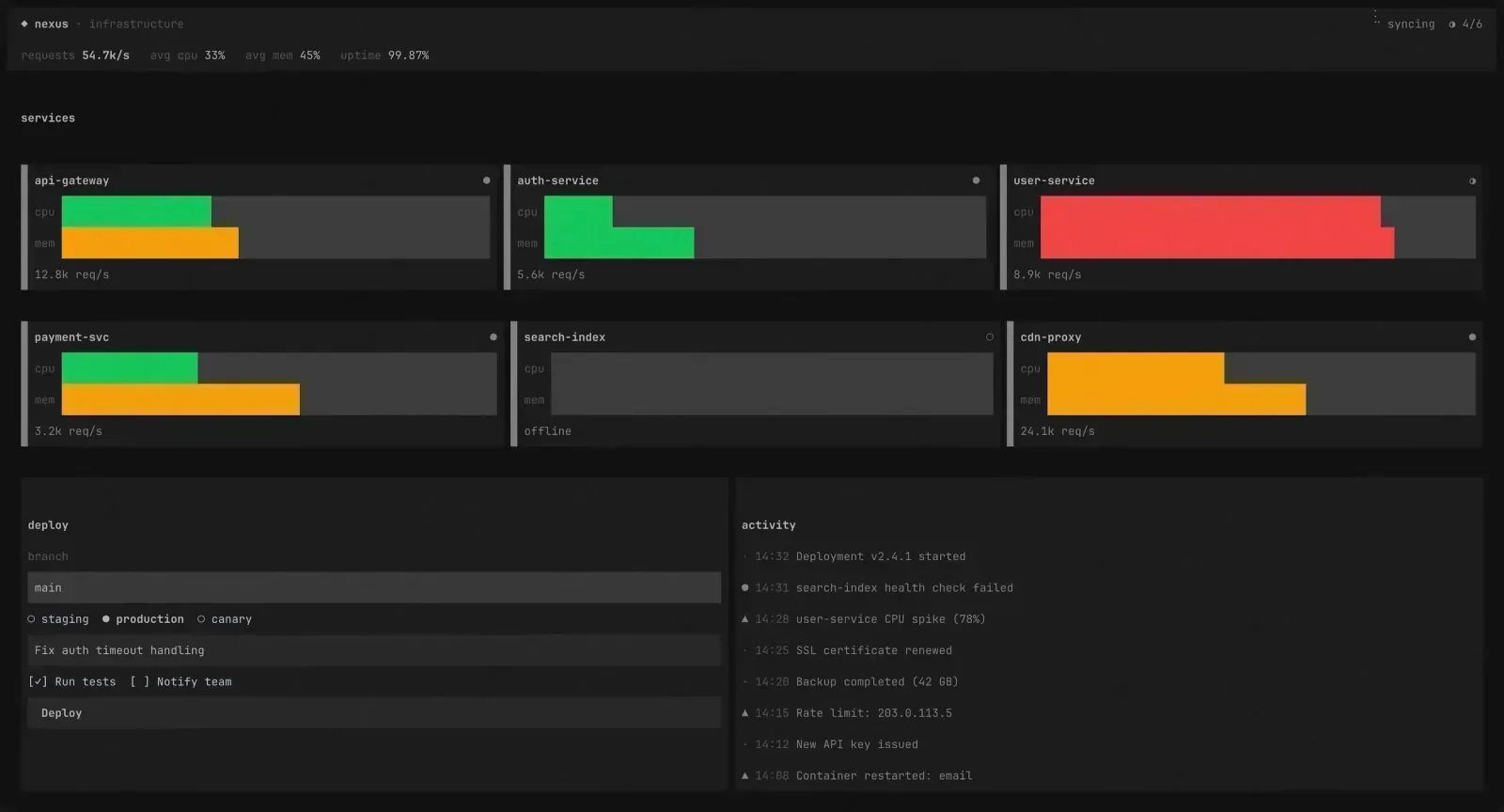
I wrote a whole post about why I built Glyph. This one’s about how.
Not the API. Not the components. The guts. The pipeline that turns your JSX into characters on a terminal screen, sixty-ish times a second, without flickering, without tearing, and without redrawing a single cell that hasn’t changed.
The Big Picture
Here’s the render pipeline in one sentence:
React reconciler → GlyphNode tree → Yoga flexbox layout → paint to framebuffer → diff against previous frame → write only changed cells to stdout.
That’s it. Every frame goes through these steps. Let me break each one down.
Step 1: The Reconciler
React doesn’t care about the DOM. It never did, really. The DOM is just one target. React Native targets mobile views. react-three-fiber targets WebGL. And Glyph targets the terminal.
The secret ingredient is react-reconciler — React’s low-level API that lets you plug in any rendering backend. You implement a “host config” that tells React how to create nodes, append children, update props, and remove things. React handles the rest — state, hooks, effects, the whole reconciliation algorithm.
Glyph’s host config creates GlyphNode objects instead of DOM elements:
createInstance(type, props) { return createGlyphNode(type, props);}When React commits an update — say, you called setState and a component re-rendered — it calls resetAfterCommit on our container. That’s our cue to schedule a new frame:
resetAfterCommit(containerInfo) { containerInfo.onCommit(); // → scheduleRender()}No virtual DOM diffing against the real DOM. No browser APIs. React just manipulates our tree of plain objects, and we get notified when it’s done.
Step 2: The Node Tree
Each node in the tree is a GlyphNode — a simple object with a type (box, text, or input), props, styles, children, and a layout rect that gets filled in later:
interface GlyphNode { type: "box" | "text" | "input"; props: Record<string, any>; style: Style; resolvedStyle: ResolvedStyle; children: GlyphNode[]; parent: GlyphNode | null; yogaNode: YogaNode | null; text: string | null; layout: LayoutRect; focusId: string | null; hidden: boolean;}Three node types. That’s all you need. Box is the flexbox container — it’s your div. Text holds styled text content. Input is the editable text field. Every Glyph component you use — Button, ScrollView, Select, Menu — compiles down to some combination of these three.
Text nodes also track raw text children separately, so when React updates a text string, we can rebuild the parent’s text content without walking the whole tree.
Step 3: Yoga Flexbox
Here’s where it gets interesting. Terminals are a grid of characters — rows and columns. No CSS. No layout engine. Just \x1b[row;colH and pray.
Unless you bring your own layout engine.
Glyph uses Yoga — the same flexbox implementation that powers React Native. When it’s time to render, we build a parallel Yoga tree from our GlyphNode tree, apply all the style properties, and let Yoga calculate the layout:
function computeLayout(roots, screenWidth, screenHeight) {  const rootYoga = Yoga.Node.create();  rootYoga.setWidth(screenWidth);  rootYoga.setHeight(screenHeight);
  for (const child of roots) {    buildYogaTree(child);    rootYoga.insertChild(child.yogaNode, rootYoga.getChildCount());  }
  rootYoga.calculateLayout(screenWidth, screenHeight, Direction.LTR);  // ... extract computed positions back to GlyphNodes}
The root Yoga node is the terminal itself — stdout.columns wide, stdout.rows tall. Every GlyphNode gets a Yoga node with its flex properties mapped over. flexDirection, justifyContent, alignItems, gap, padding, flexGrow — it all works exactly like CSS flexbox because it is CSS flexbox.
After calculateLayout, we walk the tree and extract computed positions back into each GlyphNode’s layout rect. Now every node knows its exact x, y, width, height on the terminal grid. Including inner dimensions that account for borders and padding.
The Yoga tree gets freed after every layout pass. We rebuild it from scratch each frame. Sounds wasteful? Yoga is absurdly fast — a full layout for a complex app takes under a millisecond.
Step 4: The Framebuffer
Here’s the core insight that makes Glyph’s rendering fast: we never write directly to the terminal. Instead, we paint to an in-memory framebuffer — a flat array of cells, one per character position:
interface Cell { ch: string; // The character fg?: Color; // Foreground color bg?: Color; // Background color bold?: boolean; dim?: boolean; italic?: boolean; underline?: boolean;}The framebuffer is just width × height cells. A 120×40 terminal? That’s 4,800 cells. Each cell knows its character and its style. The painter walks the node tree top-to-bottom, z-index-sorted, and fills in cells:
- Background fill — if a node has
bg, fill its rect with spaces of that color - Borders — draw border characters (single, double, rounded, ASCII) around the node’s edges
- Text — wrap, align, and paint characters with their styles into the inner area
- Clip — nodes with
clip: true(like ScrollView) constrain their children’s painting to the inner rect
Every cell gets written to the framebuffer. If two nodes overlap, the later one (higher z-index) wins. Simple. No compositing. No blend modes. Just last-write-wins on a character grid.
Step 5: The Diff
This is the part I’m most proud of.
We keep two framebuffers — the previous frame and the current frame. After painting, we diff them cell by cell. Only cells that actually changed get written to stdout:
function diffFramebuffers(prev, next, fullRedraw) {  let out = "";  for (let y = 0; y < next.height; y++) {    for (let x = 0; x < next.width; x++) {      const nc = next.get(x, y);      if (!fullRedraw) {        const pc = prev.get(x, y);        if (pc && next.cellsEqual(nc, pc)) continue; // Skip unchanged      }
      // Move cursor, set colors, write character      out += moveCursor(x, y) + buildSGR(nc) + nc.ch;    }  }  return out;}
If you change one character in a 4,800-cell terminal, we write exactly one cursor move + one SGR + one character. Not 4,800. Not even a full line. One cell.
The diff also batches the output into a single string that gets flushed in one stdout.write() call. No intermediate flushes. No visible tearing.
On resize or first paint, we do a full redraw — clear the screen, disable auto-wrap (to prevent nasty edge-case wrapping on the last column), and repaint everything. After that, it’s incremental diffs all the way.
The Runtime Layer
Below all of this sits the terminal runtime. It handles the ugly stuff so the rest of the system doesn’t have to:
Raw mode. The terminal is switched to raw mode — every keypress comes through immediately, no line buffering, no echo. We also enter the alternate screen buffer (the same thing vim and less use), so your app gets a clean canvas and your scrollback is preserved when it exits.
Input parsing. Raw stdin gives you byte sequences, not “the user pressed Ctrl+Shift+P”. Glyph’s input parser handles ANSI escape sequences, CSI codes, the Kitty keyboard protocol, and all the messy edge cases (like distinguishing a standalone Escape keypress from the start of an escape sequence — that’s a 50ms timeout heuristic).
Palette detection. Different terminals render the “same” named colors differently. Glyph queries the terminal for its actual ANSI palette colors on startup via OSC 4, then uses those real RGB values for contrast calculations. That’s how auto-contrast text works — we measure the actual luminance of the background color and pick black or white text accordingly.
Cleanup. If your app crashes, gets SIGINT’d, SIGTERM’d, or throws an unhandled exception — Glyph restores the terminal state. Exit alt screen, show cursor, restore raw mode, reset styles. Always. You never end up with a broken terminal.
Why This Architecture
There were simpler approaches. I could’ve just cleared the screen and redrawn everything each frame (that’s what most terminal UI libs do). It works. It’s easy. And it flickers like hell on complex layouts.
The double-buffered framebuffer with character-level diffing eliminates flicker entirely. It also means that if your UI is mostly static — a sidebar that doesn’t change, a status bar, a border — those cells get painted once and then the diff skips them forever. Only the parts that actually change cost anything.
The Yoga integration means I never have to think about manual coordinate math. No “place this at column 47, row 12”. Just flexDirection: "row", gap: 2, flexGrow: 1. The layout engine figures it out. Resize your terminal? Yoga recalculates everything. I don’t write a single line of resize logic.
And React’s reconciler gives me the component model for free. State, hooks, effects, context, error boundaries — all of it just works. I didn’t build a UI framework. I plugged a rendering backend into an existing one.
That’s the Pipeline
JSX → reconciler → node tree → Yoga layout → paint to framebuffer → diff → stdout.
Six steps. Every frame. And the whole thing takes a couple milliseconds on a complex app like Aion or Epist — both built entirely with Glyph.
If you want to dig into the code yourself, it’s all open source: github.com/semos-labs/glyph. The architecture section in the README maps directly to the source tree. Start with render.ts — it’s the entry point that ties everything together.