 Aion
Aion
Your calendar
in your terminal
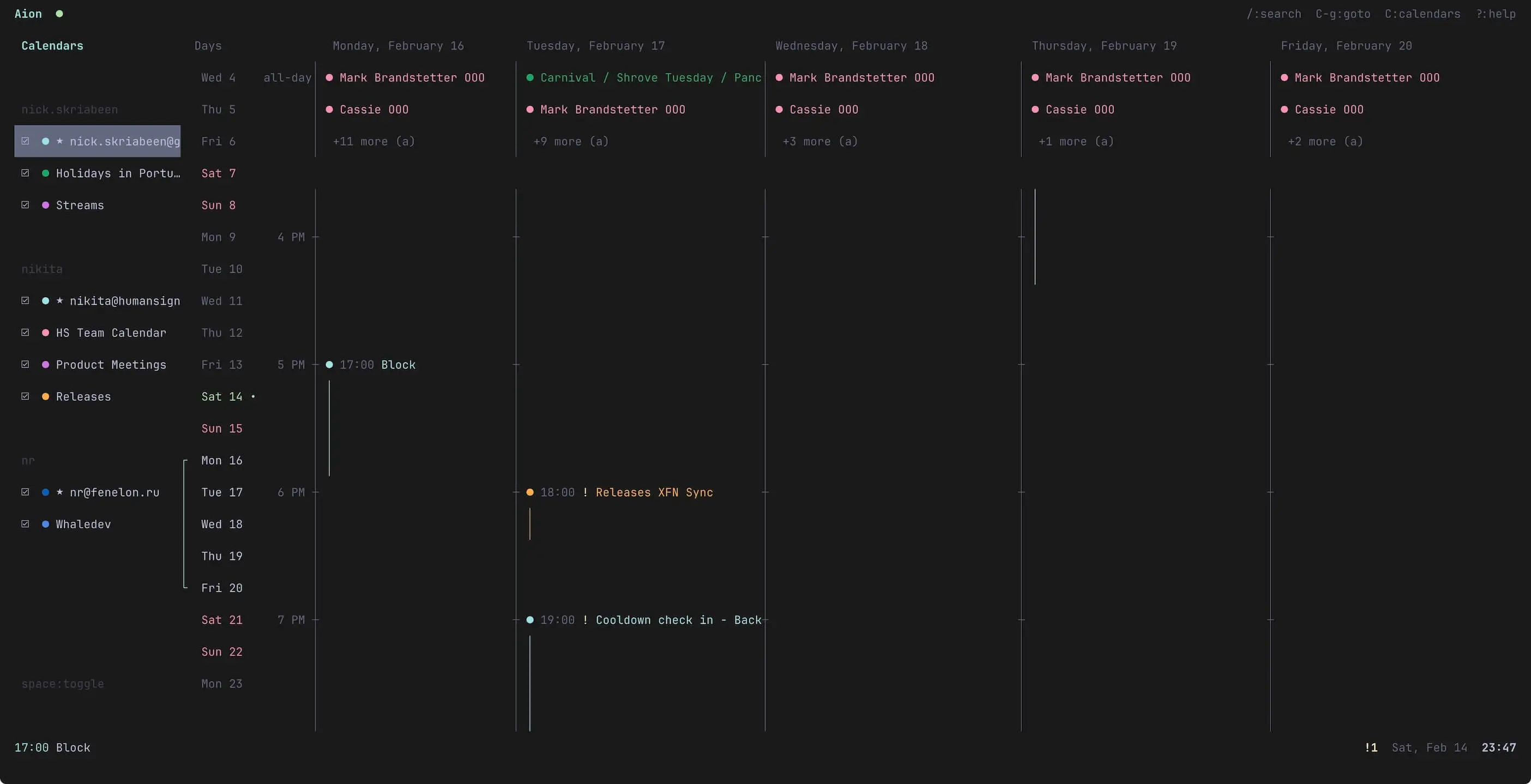
Google Calendar and CalDAV in your terminal. View, create, edit events — all with vim keybindings. Syncs in the background, works offline.
$ brew tap semos-labs/tap
$ brew install aion
macOS (Apple Silicon & Intel) · Linux (x64 & ARM64)
Features
Vim Keybindings
j/k, gg/G, h/l — the usual. If you use vim, you already know the drill.
Visual Timeline
Day view with 15-minute precision and overlap handling. Multi-column support.
Calendar Sync
Google Calendar via OAuth, CalDAV for iCloud, Fastmail, Nextcloud, etc. Syncs every 30s in the background.
Meet With
Overlay multiple calendars and find free slots. No more back-and-forth.
Google Meet
Auto-generate Meet links when creating events.
Multi-Calendar
Toggle calendars on/off, each with its own color.
Timezone Support
Events display in local time, toggle to see original timezone.
Natural Language
Type "tomorrow 3pm" or "next friday for 2 hours" — it just works.
Recurring Events
Create and edit events with daily, weekly, monthly, or yearly recurrence.
Event Search
Find events by title or description with /.
Command Palette
Quick access to all actions with fuzzy search. Type : to open.
Themeable
Customize every color via TOML configuration.
Keybindings
Navigation
Events
General
Built with Glyph — the React renderer for terminal UIs
Privacy Policy