Building Attyx: A GPU-Accelerated Terminal in Zig, from Scratch
How a weekend experiment turned into a sub-1MB terminal with Metal and OpenGL rendering, a zero-allocation VT parser, and a deterministic architecture that's fully testable without a GPU.
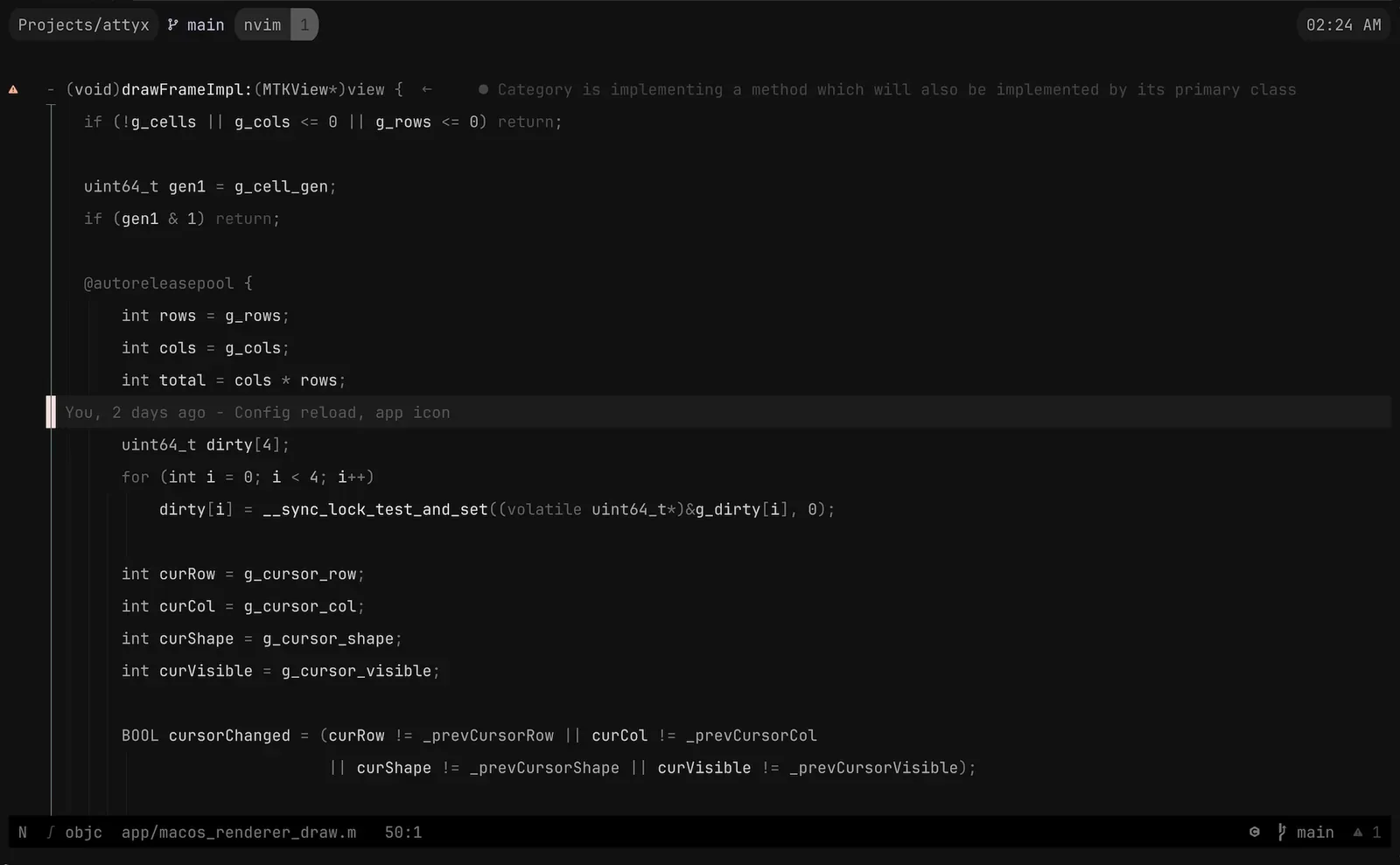
I live in my terminal. Always have. iTerm2, Alacritty, Kitty, Ghostty — used them all, loved them all. But I never actually understood what happens under the hood. Like, what does ESC[38;2;255;100;0m do to the state machine? How does a key press turn into a character on screen? I had no idea.
Only way I know how to learn something is to build it.
The Spark
I’d been wanting to pick up Zig for a while. No hidden allocations, comptime magic, compiles to tiny binaries — my kind of language. But I needed a real project, not another “let me read the docs and nod” situation.
A terminal environment hit everything. Systems programming, parsing, GPU rendering, fonts, Unicode, threading. The full stack.
Started writing code on a Saturday evening. Five days later I was daily-driving it. That’s Attyx.
Why GPU-Accelerate a Terminal?
Fair question. Terminals display text. Your CPU can draw text. Why bother with the GPU?
Here’s the thing — a traditional terminal redraws the screen on the CPU, character by character, then uploads the result as a bitmap. That works fine for a static prompt. But run cat on a big file. Resize a tmux session with 4 panes. Scroll through compiler output. Suddenly you’re redrawing thousands of cells per frame, and the CPU is doing all the work: rasterizing glyphs, blending colors, compositing layers — while also parsing VT sequences, managing state, and handling input.
A GPU-accelerated terminal flips this. The CPU handles parsing and state — the stuff it’s good at. The GPU handles rendering — the stuff it’s good at. Each cell becomes a textured quad. The glyph atlas lives in GPU memory. Drawing 10,000 cells costs roughly the same as drawing 100 because the GPU processes them in parallel.
The practical difference? Smooth scrolling at 120fps. No lag when resizing. cat /dev/urandom doesn’t stutter. Truecolor gradients render without tearing. Transparency and blur are basically free — the compositor is already doing GPU work.
It’s not that CPU rendering is broken. iTerm2 and Terminal.app work fine for most people. But once you’ve felt the difference — especially with large scrollback, heavy output, or high refresh rate displays — it’s hard to go back. The terminal should feel as responsive as the rest of your OS. GPU rendering makes that happen.
One Rule: The Core Must Be Pure
Before writing a single line I set one rule: the terminal core must be a pure, deterministic state machine. No side effects. No PTY. No GPU. No platform APIs. Bytes in, state out.
The entire term/ directory — parser, grid, state machine — runs in a headless test harness. Feed it bytes, it mutates a grid of cells. Snapshot the grid, hash it, diff it. No window needed.
Raw bytes → Parser → Action → TerminalState.apply() → Grid mutationParser produces Actions. State applies Actions to the Grid. Engine glues them together with feed(bytes). Parser never touches state directly. Renderer never influences parsing.
This wasn’t some aesthetic choice. It came from a real problem I’ve been banging my head against for years.
I build TUI apps. Glyph is a React renderer for the terminal — full framework with flexbox, components, hooks. On top of it I built Aion (Google Calendar client) and Epist (Gmail client). Real apps, complex UIs, stuff I use every single day.
And there’s no good way to test any of it end-to-end.
Think about it. Your TUI app renders escape sequences to stdout. Those get interpreted by whatever terminal the user runs. The result is pixels on a screen. How do you write a test that checks “the calendar view renders correctly when you switch to next week”? You can test component logic. You can test state. But testing what the user actually sees — the final output after the terminal interprets your escape sequences — that’s a black hole.
The options suck. Screenshot diffing? Fragile, font-dependent, slow. Record with asciinema and eyeball it? Not automated. Unit test your escape sequence output? Doesn’t catch terminal interpretation bugs. None of these give you what you want: feed bytes into a terminal, get a deterministic grid of characters and styles, assert against it.
That’s exactly what Attyx gives you.
var engine = try Engine.init(allocator, 24, 80);engine.feed(my_app_output);const cell = engine.state.grid.getCell(0, 0);try expectEqual('A', cell.char);try expect(cell.style.bold);No GPU. No window. No flaky screenshots. Just deterministic state. This is the testing primitive I’ve wanted for years. And it required building a terminal where the core was pure from day one — not bolted on after.
The VT Parser: Zero Allocations
Terminals speak VT100 and its descendants. Protocol from the 1970s — cursor movement, colors, scrolling, all encoded as escape sequences in the byte stream. Your shell prints ESC[1;31m, the terminal reads “bold red text.”
The parser is an incremental state machine. One byte at a time, returns an Action or null if it’s mid-sequence.
Ground ──ESC──→ Escape ──[──→ CSI ↑ │ │ │ ]──→ OSC ──BEL──→ dispatch │ │ │ ESC──→ OscEscape ──\──→ dispatch └──── any ←────────────────────────────────────┘Ground state handles printable characters and UTF-8 multi-byte sequences. ESC kicks you into escape mode. [ after ESC starts a CSI sequence — that’s where most of the action lives. CSI carries parameter bytes (digits, semicolons) then a final byte that says what to do: H for cursor position, m for colors, J for clearing the screen.
The whole parser struct is fixed-size. 64-byte CSI buffer, 4KB OSC buffer, 64KB APC buffer for Kitty graphics, 4-byte UTF-8 accumulator. Zero heap allocations. Ever. Partial sequences that span across read() calls just work because state persists between calls to next().
One thing I really like — the parser returns borrowed slices for hyperlink URIs and window titles. They point straight into the parser’s internal buffer, valid only until the next next() call. The engine consumes them immediately. No copies needed, no lifetime issues.
The Grid
Flat row-major array of Cell structs. One alloc on init, freed on deinit.
pub const Cell = struct { char: u21 = ' ', combining: [2]u21 = .{ 0, 0 }, style: Style = .{}, link_id: u32 = 0,};Each cell: Unicode codepoint, two combining mark slots, style (fg, bg, bold, italic, underline, strikethrough, dim, reverse), hyperlink ID.
Scroll regions (DECSTBM) let scrolling happen inside a subset of rows — that’s how vim and tmux keep status bars pinned. Implementation is just std.mem.copyForwards and std.mem.copyBackwards on contiguous memory. No linked lists. No indirection.
Resize with reflow was a pain. Shrink the window — long lines wrap. Grow it back — they should unwrap. The grid tracks row_wrapped flags per row so it knows soft wraps (auto-wrap at edge) from hard wraps (real newline). On resize it joins soft-wrapped rows into logical lines, re-splits at the new width, and maps the cursor through. Getting cursor mapping right through reflow took me several attempts.
Damage Tracking
Most frames only touch a few rows. Redrawing everything is wasteful.
256-bit dirty bitset — four u64s. State machine marks rows dirty as it processes actions. Renderer redraws only dirty rows, clears the bitset.
pub const DirtyRows = struct {    bits: [4]u64 = .{ 0, 0, 0, 0 },
    pub fn mark(self: *DirtyRows, row: usize) void {        self.bits[row >> 6] |= @as(u64, 1) << @intCast(row & 63);    }};
Four u64s. Zero allocations. 256 rows. Bit ops are about as fast as it gets.
Two Threads, No Locks
Two-thread architecture:
- PTY thread (Zig): polls the PTY fd, reads bytes, feeds them through the engine, fills a shared cell buffer, updates cursor.
- Main thread (platform): event loop, keyboard/mouse, draws frames at vsync.
No mutexes. The cell buffer uses a seqlock — PTY thread bumps a generation counter before and after updating cells. Renderer checks the counter: if it’s odd (update in progress) or changed mid-read, skip the frame.
Cursor position, mode flags, viewport offset — all volatile globals. PTY thread writes, renderer reads. Eventual consistency is fine. One-frame lag on a mode change? Imperceptible.
Renderer never blocks on PTY. PTY never blocks on renderer. Latency stays low.
Metal on macOS, OpenGL on Linux
Two platform-specific renderers:
- macOS: Cocoa + MTKView + Metal. Core Text for fonts. NSTextInputClient for IME.
- Linux: GLFW + OpenGL 3.3. FreeType for fonts. Fontconfig for discovery.
Both share the same Zig core and C bridge (bridge.h). The bridge defines AttyxCell layout and the functions for Zig ↔ platform communication. The Objective-C and C renderers are interchangeable — same cell buffer, same cursor state, same dirty bitset.
Rendering pipeline is identical on both:
- Read the cell buffer (check seqlock).
- Dirty rows → background quads.
- Text quads from glyph atlas.
- Cursor, selection, search highlights.
- Overlay layers (popups, search bar).
Both platforms do dynamic glyph atlasing — rasterize on demand, cache in a texture. Fallback fonts for missing glyphs (Nerd Fonts, emoji, CJK).
Sub-1MB Binary
This is my favorite brag. Release binary — under 1MB.
No tricks. It’s just what happens when you:
- Write Zig (no runtime, no GC, tiny stdlib).
- Keep deps minimal (TOML parser, stb_image for Kitty graphics, zlib — that’s it).
- Skip unnecessary abstractions.
- Use native frameworks (Metal/Core Text, GL/FreeType) instead of bundling cross-platform GUI toolkits.
- Let the compiler do dead code elimination.
No Electron. No embedded browser. No megabytes of fonts. Just a Zig binary talking to the OS.
Kitty Graphics
Images in terminal. Attyx implements the Kitty graphics protocol — programs can display raster images inline via APC escape sequences. Base64-encoded, optionally zlib-compressed, placed on the grid.
Three pieces: command parser for key-value params from the APC payload, decoder for base64 + zlib + multi-chunk reassembly, placement store for tracking positions relative to the grid.
Renderer uploads image data as GPU textures, composites over cells at the right z-index. Sounds simple. Getting the coordinate mapping right — grid cells, pixel dims, source rects, display sizes — was not.
Popup Terminals
Press a keybinding, get a floating terminal on top of your session. Its own PTY, its own shell, its own state. Up to 32 of them.
Popups use the same overlay system as the search bar. Each layer has its own cell buffer, position, z-order. Renderer composites them with alpha blending.
The tricky bit was input routing. Popup active? Keyboard goes to the popup’s PTY. Mouse needs coordinate translation to popup-relative space. And popups inherit the working directory from the parent — which means resolving CWD of the foreground process, even when running inside tmux.
Testing
Remember that purity rule? Here’s where it pays off.
Headless Engine, feed it bytes, check the grid. Golden snapshot tests serialize the grid to plain text. State hash tests do FNV-1a over visible state and compare.
test "engine feed produces same result as direct apply" {    var e = try Engine.init(alloc, 2, 4);    defer e.deinit();
    e.feed("Hi");    try std.testing.expectEqual(@as(u21, 'H'), e.state.grid.getCell(0, 0).char);    try std.testing.expectEqual(@as(u21, 'i'), e.state.grid.getCell(0, 1).char);}
No GPU. No window. No PTY. Runs in CI on headless Linux. The entire terminal engine verified without rendering a single frame.
Five Days (And an AI)
Let me be straight about the timeline. First commit — February 22nd. Five days later: GPU rendering, UTF-8, 256-color + truecolor, scrollback, alternate screen, mouse tracking, IME, text selection, clipboard, search, keybindings, themes, popups, Kitty graphics, macOS and Linux. Version 0.1.17.
That’s not normal. And I didn’t do it alone.
A big chunk of the code was written by Claude under my direction and review. I designed the architecture, set the constraints, decided how things should work, reviewed every piece of code, debugged the gnarly stuff. But the raw volume of code output? Heavily AI-assisted. That’s the truth and I think it’s important to say it plainly.
This is what AI-assisted dev looks like in 2026. Not “AI wrote my project.” Not “I typed every character.” It’s a collaboration. I brought the domain knowledge, the architecture, and the taste. Claude brought speed — generating Zig code, implementing VT sequences from spec descriptions, cranking out stuff that would’ve taken me days to type. Every line went through my review. I caught bugs, rejected bad approaches, rewrote things that felt off. But claiming the speed was purely human would be bullshit.
I say this because I don’t want false expectations. If you see the commit history and think “this guy shipped a terminal environment in five days, I should be able to do X in Y days” — no. The timeline reflects a specific workflow with AI tooling. Your mileage will vary.
I’m daily-driving Attyx now. tmux, neovim, SSH, everything I throw at it. Perfect? No. As mature as Ghostty or Kitty? Not yet. But I understand every line, and it’s under a megabyte.
”You Stole from Ghostty”
I keep hearing this one. Ghostty is a GPU-accelerated terminal in Zig. Attyx is a GPU-accelerated terminal in Zig. So obviously I copied it, right?
Nope. Not a single matching line of code. Different architecture, different renderer, different VT parser. “GPU terminal in Zig” is a category, not a trademark. Ghostty is great — I used it daily before starting Attyx. Both can exist.
What’s Next
Attyx is open source, MIT licensed. github.com/semos-labs/attyx. Install with Homebrew or build from source with Zig 0.15.
Plenty left — ligatures, tabs, splits, sixel graphics, more protocol coverage. But the foundation is solid and I use it every day. If you’re curious about how terminals work, or just want a fast tiny terminal, give it a shot.
The terminal is old tech. Doesn’t mean it has to feel old.